Published On:
February 28, 2025Last Updated:
October 8, 2026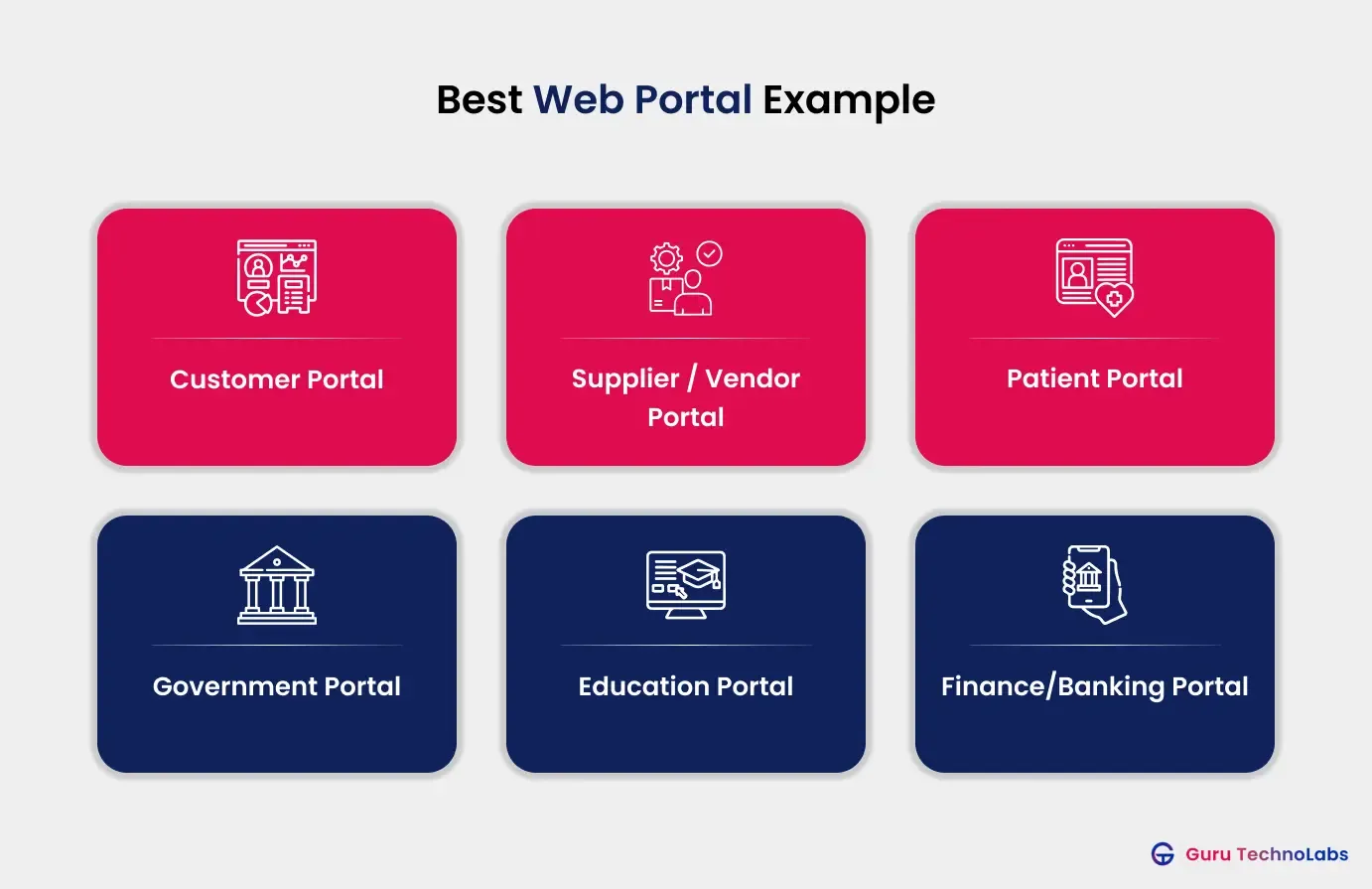
If you run a growing business, the value of a web portal is pretty straightforward: it takes routine work off your team’s plate. Instead of handling the same questions and requests over email or phone every day, users can find information and complete common tasks themselves.
For example:
These requests may seem small, but they add up quickly. When information is spread across emails, phone calls, spreadsheets, and different systems, your team ends up spending valuable time tracking things down and answering the same questions repeatedly.
A web portal brings the right information and tasks together in one secure place. Customers, suppliers, employees, patients, or partners can access what they need and take action without waiting for someone on your team.
For a growing business, that can mean less manual work, faster processes, fewer repetitive support requests, and a better user experience.
The easiest way to see how this works is through real examples. Below, we’ve covered 16 web portals across eight categories, including their key features, benefits, and the systems they integrate with.
| Portal category | Best for | What it does | Example portals |
| Customer/self-service | SaaS, services, retail | Account access, support, self-service | Salesforce Experience Cloud, Zendesk |
| Supplier/procurement | Manufacturing, retail, FMCG | Onboarding, purchase orders, collaboration | SAP Ariba, Coupa |
| Patient/healthcare | Hospitals, clinics, primary care | Records, appointments, prescriptions | Epic MyChart, NHS Patient Access |
| Banking/finance | Banks, fintech, insurance | Account management, payments, claims | Bank of America, Revolut |
| Government/citizen | Public agencies, national bodies | Public services, applications, information | GOV.UK, India.gov.in |
| Education / eLearning | Schools, universities, training | Courses, grading, progress tracking | Moodle, Canvas |
| Intranet/employee | Any mid-to-large organization | Internal news, HR, self-service | SharePoint, Workday |
| Partner/dealer | Vendors with reseller networks | Deal registration, resources, enablement | Microsoft Partner Center, Salesforce Partner Community |
Customer portals give people one secure place to manage their relationship with your business. They can check orders, find documents, raise issues, or update account details without emailing or calling your team. For a growing business, this can be one of the most valuable types of portals because every task a customer handles themselves is one less task for your support team.
Salesforce Experience Cloud helps companies build customer-facing portals and online communities using their existing Salesforce CRM data. Instead of relying on email and support tickets for every request, customers can log in to view their cases, account details, knowledge articles, and support history in one personalized place.
Key features:
Benefits:

Zendesk Help Center is a customer self-service portal that brings a searchable knowledge base, community forums, and ticket submission together in one branded place. The idea is simple: many support questions don’t require an agent if customers can easily find the right answer. Help Center encourages customers to search for answers first and contact an agent only when they actually need help.
Key features:
Benefits:
Supplier portals replace the back-and-forth of emails, phone calls, and spreadsheets with one place where you and your suppliers can manage onboarding, orders, forecasts, and invoices. When you’re working with hundreds of suppliers, even small inefficiencies add up, so getting the portal right can lead to shorter cycle times and fewer errors.

SAP Ariba is a procurement and supplier collaboration portal that brings buyers and suppliers together on one business network. It covers the full procurement cycle, from sourcing and contracts to catalogs, purchase orders, and invoicing. Suppliers can manage their own catalogs and respond to orders directly instead of relying on scattered emails and spreadsheets.
Key features:
Benefits:

Coupa is a spend management platform with a supplier portal where vendors can register, manage their information, submit invoices, and track payments in one place. For the buying organization, it brings scattered purchasing activity into one view, making it easier to see where money is being spent and where unnecessary costs may be hiding.
Key features:
Benefits:
Patient portals reduce the administrative load on clinical and front-desk staff while giving patients secure access to their own health information. Since accurate and up-to-date information can directly affect care, these portals are only useful when they’re properly connected to current clinical data.

Epic MyChart is one of the most widely used patient portals, built directly on Epic’s electronic health record system. It gives patients one secure place to view lab results when they’re released, request prescription refills, message their provider, book appointments, and access their medical records. This can reduce many of the routine calls that would otherwise end up with front-desk staff.
Key features:
Benefits:

Patient Access is a patient portal used by many UK GP practices to let people handle routine primary-care tasks online instead of calling. Patients can book appointments, order repeat prescriptions, view parts of their medical record, and message their practice, helping reduce the everyday administrative pressure on reception teams.
Key features:
Benefits:
Financial portals have to balance two things that don’t always go together: being easy to use while keeping sensitive financial data secure. The best ones make managing money feel simple while handling encryption, audit trails, identity checks, and compliance in the background.
Bank of America’s online banking portal gives customers one place to manage their money across web and mobile. It brings payments, transfers, deposits, alerts, and budgeting tools into a consistent experience, allowing customers to handle most everyday banking without visiting a branch.
Key features:
Benefits:
Revolut is a mobile-first financial platform designed as an integrated digital experience rather than a traditional banking service with digital features added later. It brings multi-currency accounts, real-time spending insights, payments, and currency exchange into one interface, making everyday money management quick and convenient.
Key features:
Benefits:
Government portals are some of the most challenging platforms to get right. They need to serve millions of people with different levels of digital experience, meet strict accessibility requirements, and often connect with decades-old legacy systems. The best ones make complex government services feel simple and easy to navigate.
GOV.UK is the UK government’s central citizen-services portal, bringing hundreds of services and departments together through one plain-language interface. Instead of figuring out which department handles a service, citizens can use one place to apply for benefits, renew passports, pay taxes, and access official guidance. This approach has made GOV.UK a widely studied example of public-sector digital design.
Key features:
Benefits:
India.gov.in is India’s national services portal, connecting citizens with information and services from ministries and departments. It covers areas such as certificates, pensions, and welfare schemes, with multilingual support to serve India’s diverse population. The portal is designed to handle both a large user base and a wide range of government services.
Key features:
Benefits:
Education portals bring students, teachers, and administrators together in one place for courses, assignments, grading, and progress tracking. The best ones do more than move paper-based processes online; they make learning easier to access and manage.
Moodle is one of the world’s most widely used open-source learning management systems, used by institutions of different sizes and in many languages. Because it’s open-source, schools and training programs can adapt it to their teaching methods and scale it from a single classroom to a multi-campus university without paying for features they don’t need.
Key features:
Benefits:

Canvas is a widely used learning management system known for its clean interface and reliable mobile access. Students can view courses, submit assignments, join discussions, and check grades, while instructors manage content, assessments, and communication in one place. Its focus on usability matters because an education portal only works when teachers and students actually use it.
Key features:
Benefits:
Intranet and employee portals are the internal counterpart to customer portals: a single, reliable place for employees to find company news, policies, tools, and HR services. When information is spread across shared drives and email threads, employees spend too much time searching for it. A good intranet puts that information in one place and gives that time back.
Microsoft SharePoint is one of the most widely used platforms for building corporate intranets and employee portals. Organizations use it to manage documents, publish company news, create internal team sites, and give employees one place to find the resources they need. Permissions can also control exactly who can access specific content. It’s often the backbone of an enterprise or internal information portal.
Key features:
Benefits:

Workday is an HR and employee self-service portal that lets employees manage everyday tasks themselves. They can update personal details, request time off, enroll in benefits, and access company resources without having to involve HR for every request. This works especially well for routine HR tasks that don’t require manual intervention.
Key features:
Benefits:
Partner portals give resellers, dealers, and agents a secure place to register deals, access marketing and sales materials, complete training, and track performance. For companies that sell through partners, the portal becomes the central place where those relationships are managed day to day.
Microsoft Partner Center is the portal Microsoft partners use to manage their relationship with the company. Partners can access programs, referrals, incentives, and the product and sales resources they need to sell and support Microsoft products. It also helps Microsoft deliver relevant information to thousands of partners across different countries, tiers, and specialties from one place.
Key features:
Benefits:

Salesforce Partner Community, built on Salesforce Experience Cloud, gives partners one place to access marketing materials, sales tools, product information, deal registration, and collaboration tools. It keeps partners aligned with the vendor’s offerings while giving both sides a shared view of the sales pipeline, rather than relying on scattered resources.
Key features:
Benefits:
Not every business needs a web portal, and it’s worth looking at the signs before investing in one. You’re probably ready for a portal if several of these situations sound familiar:
If several of these problems sound familiar, it’s often a sign that your business has outgrown scattered communication through email and shared drives. That’s the gap a web portal can fill.
On the other hand, if your needs are mainly informational and users don’t need to log in or complete tasks, a standard website may be all you need.
The portals in this guide cover very different industries, but they all solve the same basic problem: information and tasks that are scattered, handled manually, or require a phone call. A well-built portal brings those things together in one secure place and lets the right people handle tasks themselves. The result is usually less manual work, faster processes, and a better experience for users.
If there’s one thing worth taking away as a business owner, it’s this: the best portals aren’t the ones with the most features. They’re the ones that connect properly with the systems behind them. That’s what turns a simple login page into a tool people actually rely on. If you’re planning to build one, this web portal development guide covers the key considerations, features, and development process.
So, start with the friction you already see in your business: the question your team answers repeatedly, the process that still requires manual work, or the task that always starts with a phone call. That’s often where a web portal can deliver the most value first.
A web portal is a secure, login-based platform that gives users personalized access to information, tools, and services in one place. Unlike a public website, a portal shows information based on who the user is and what they need.
The most common categories include customer/self-service, supplier/procurement, patient/healthcare, banking/finance, government/citizen, education/eLearning, intranet/employee, and partner/dealer portals. Each is built for a specific audience while providing secure, personalized access to information and tools.
A website is generally public and provides the same information to most visitors. A web portal requires users to log in and provides personalized content, dashboards, and tools based on their role. In simple terms, websites are mainly for sharing information, while portals are designed for interaction, self-service, and workflows.
At a minimum, a customer portal should have secure login and role-based access, self-service account and order management, a searchable knowledge base, document access, secure messaging, and a mobile-friendly design. The best portals also connect to live systems such as CRM and billing platforms, so users always see current information.
Yes, and it usually should. A portal becomes much more useful when it can pull live data from the systems your business already uses. For example, a CRM can provide customer data, an ERP can provide orders and invoices, and an EHR can provide medical records. These integrations turn the portal into a working business tool rather than just a collection of static pages.
Patient portals that connect directly to an EHR can display current clinical information. Epic MyChart, for example, is built on Epic’s EHR, allowing patients to access results and records through the portal. The key is having a secure and compliant connection between the portal and the underlying health record system.
A vertical portal focuses deeply on a specific industry or audience, such as a patient portal like MyChart. A horizontal portal provides a broader range of services to a wider audience, such as a government portal like GOV.UK. Most examples in this guide are vertical portals designed around a specific use case.
Common front-end technologies include React, Angular, and Vue, while back-end development often uses Node.js, Python, Java, or PHP. Web portals are also commonly hosted on cloud platforms such as AWS or Azure for scalability. The best technology stack depends on factors such as integrations, security requirements, expected traffic, and project complexity.
The cost to build a web portal can range from $20,000 to $150,000+, depending on its features, integrations, number of user roles, security requirements, and overall complexity. A basic self-service portal may cost less, while an enterprise portal with CRM/ERP integrations, advanced workflows, analytics, and custom features can cost significantly more. The best way to estimate the budget is to define the portal’s users, core workflows, integrations, and security needs before development begins.
Read more on:
Web
Ravi Makhija is the Founder and CEO of Guru TechnoLabs, an IT services and platform engineering company specializing in Web, Mobile, Cloud, and AI automation software systems. The company focuses on building scalable platforms, complex system architectures, and multi-system integrations for growing businesses. Guru TechnoLabs has developed strong expertise in travel technology, helping travel companies modernize booking platforms and operational systems. With over a decade of experience, Ravi leads the team in delivering automation-driven digital solutions that improve efficiency and scalability.



Share your business needs or project requirements with us & we will get back to you quickly.